
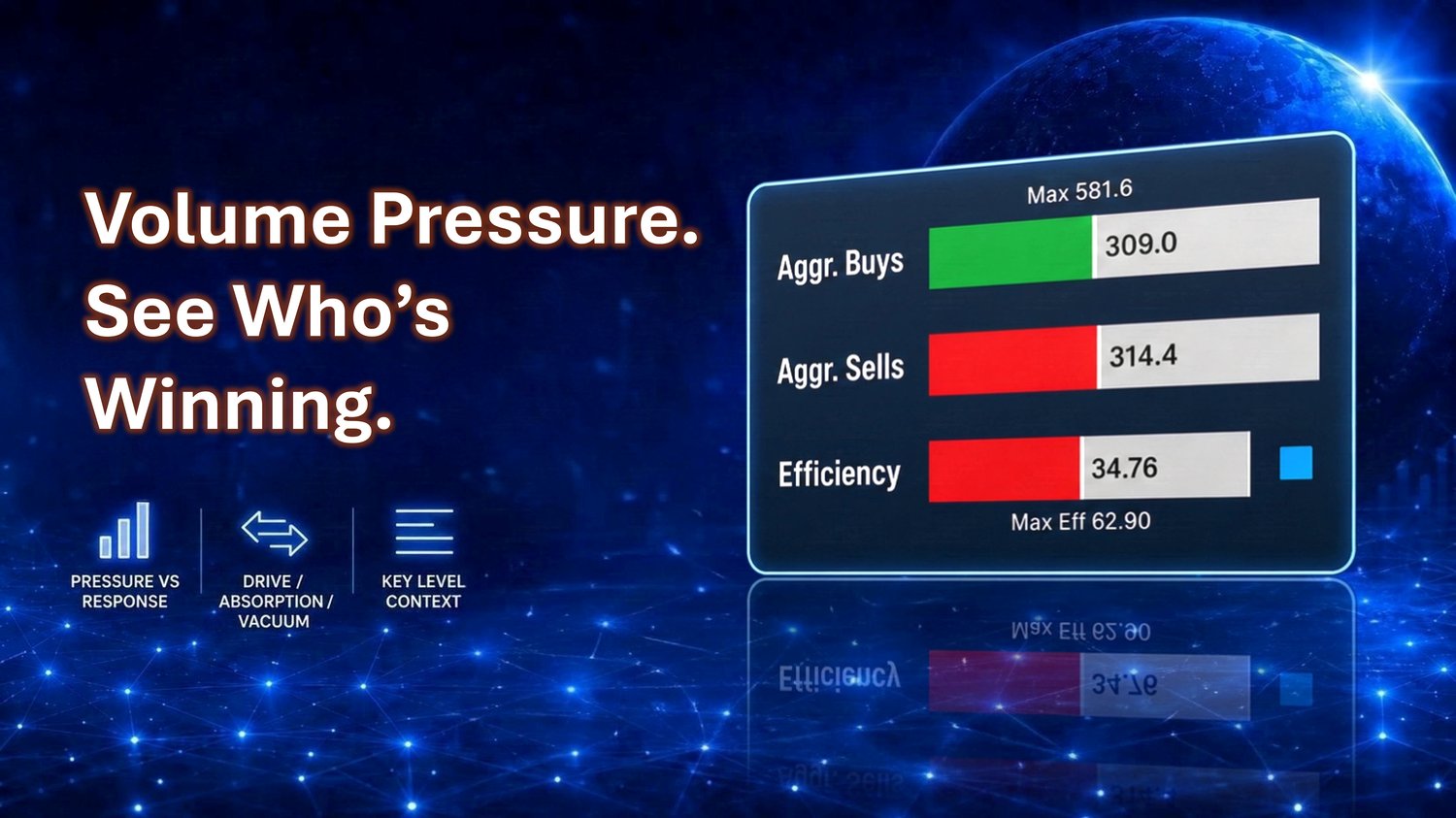
A common mistake in reading order flow is treating heavy buying as automatically bullish or heavy selling as automatically bearish. Pressure tells you who is aggressive, but aggression alone does not tell you who is in control. Control is revealed b...
Read More
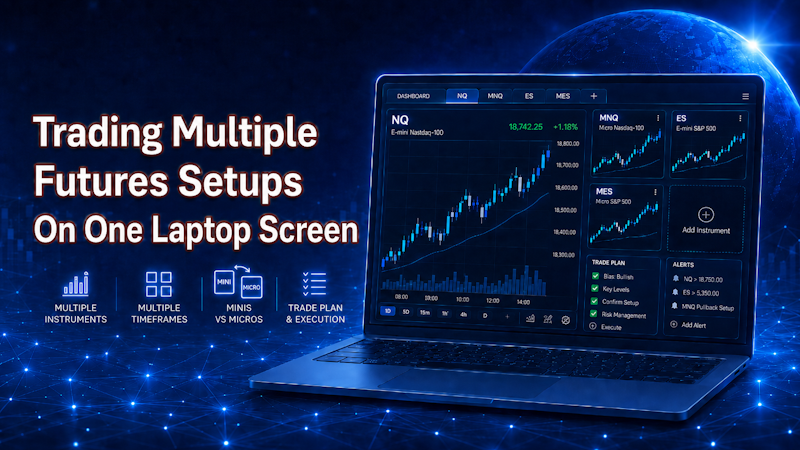
One of the biggest challenges with trading from a laptop is screen space. A lot of traders feel like they need multiple monitors to follow different instruments, compare setups, manage entries, and keep track of mini and micro contracts. A larger se...
Read More
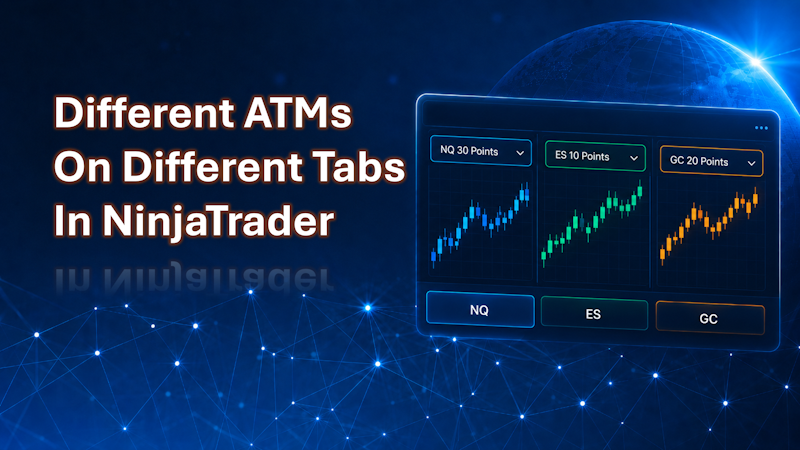
Using multiple tabs in NinjaTrader is a powerful way to manage several instruments or setups in a single chart window. Each tab can focus on a different instrument, timeframe, or setup, which helps you stay organized and execute faster. However, Nin...
Read More
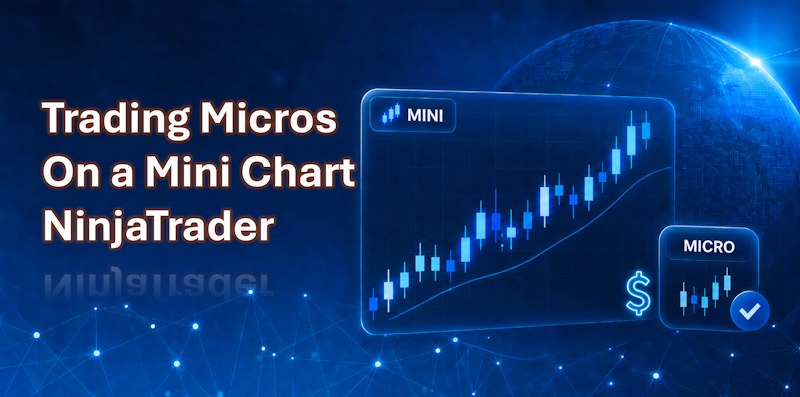
Micro futures and mini futures may look almost identical, but they don't always move exactly the same. Even though micros are designed to track the larger mini contracts, they are still traded independently. That means there can be small differences...
Read More
NinjaTrader lets you control what time zone your charts display. This matters more than people realize, especially if you trade time-sensitive setups. If your chart is showing the wrong time zone, your candles may not line up with the market open yo...
Read More